Hit spend targets with confidence
PPC budget management with tracking, forecasts, and flexible automation





Managing PPC budgets means balancing two priorities: keeping spend on track and deciding where budget should go next. Adalysis covers the full workflow, from budget setup and forecasting to allocation and automation.
Choose the right level of automation for each account. Track pacing and make changes yourself, add auto-pause rules, or let Auto manage adjust daily budgets. Set guardrails on those changes to reduce manual work without giving up control.
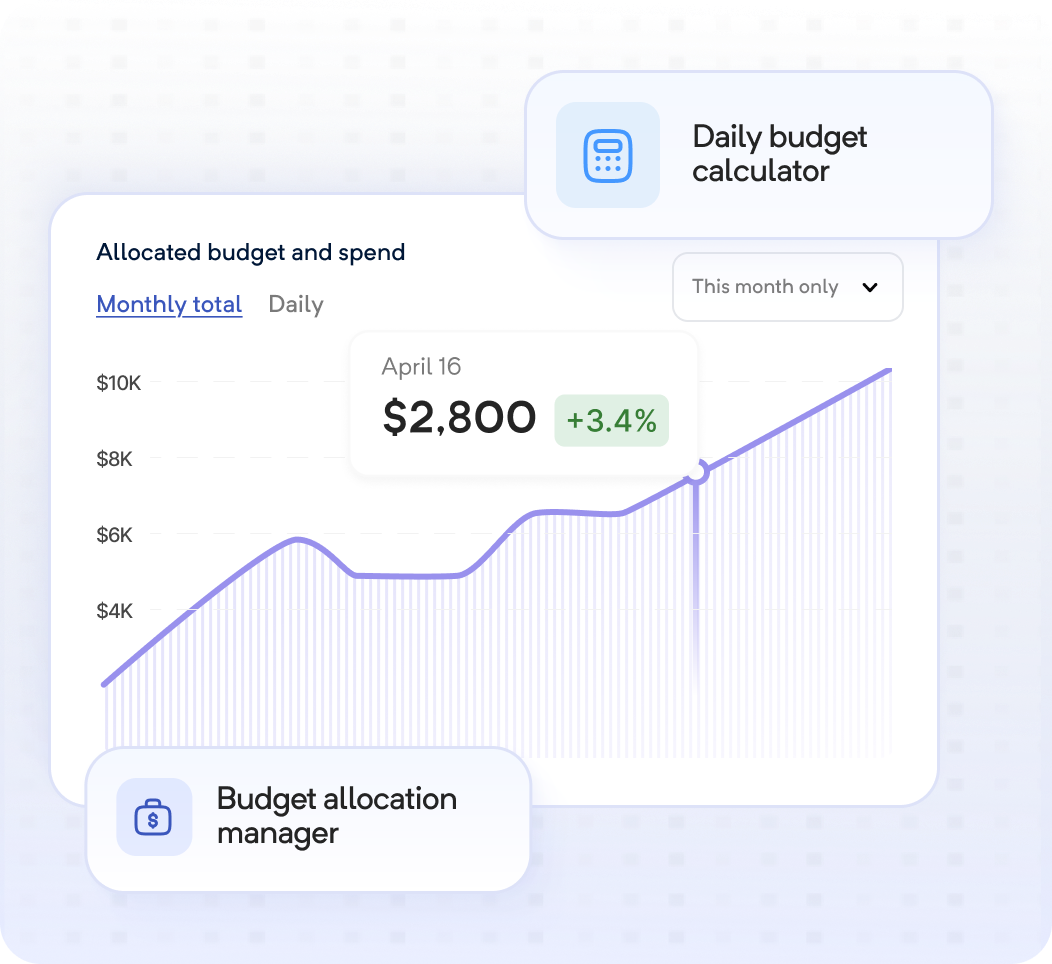
Track pacing and forecast future spend
Adalysis tracks pacing and projects future spend based on your chosen settings. It helps you identify potential over- or underspend fast.
- Get daily and cumulative forecasts across all your accounts and per campaign
- Forecast spend based on account history, seasonality, ad schedule, and recent budget changes
- See budget split recommendations based on your performance goal
- Create custom budgets for promotions and other fixed date ranges
- Save setup time with bulk uploads
Get more from your PPC budgets
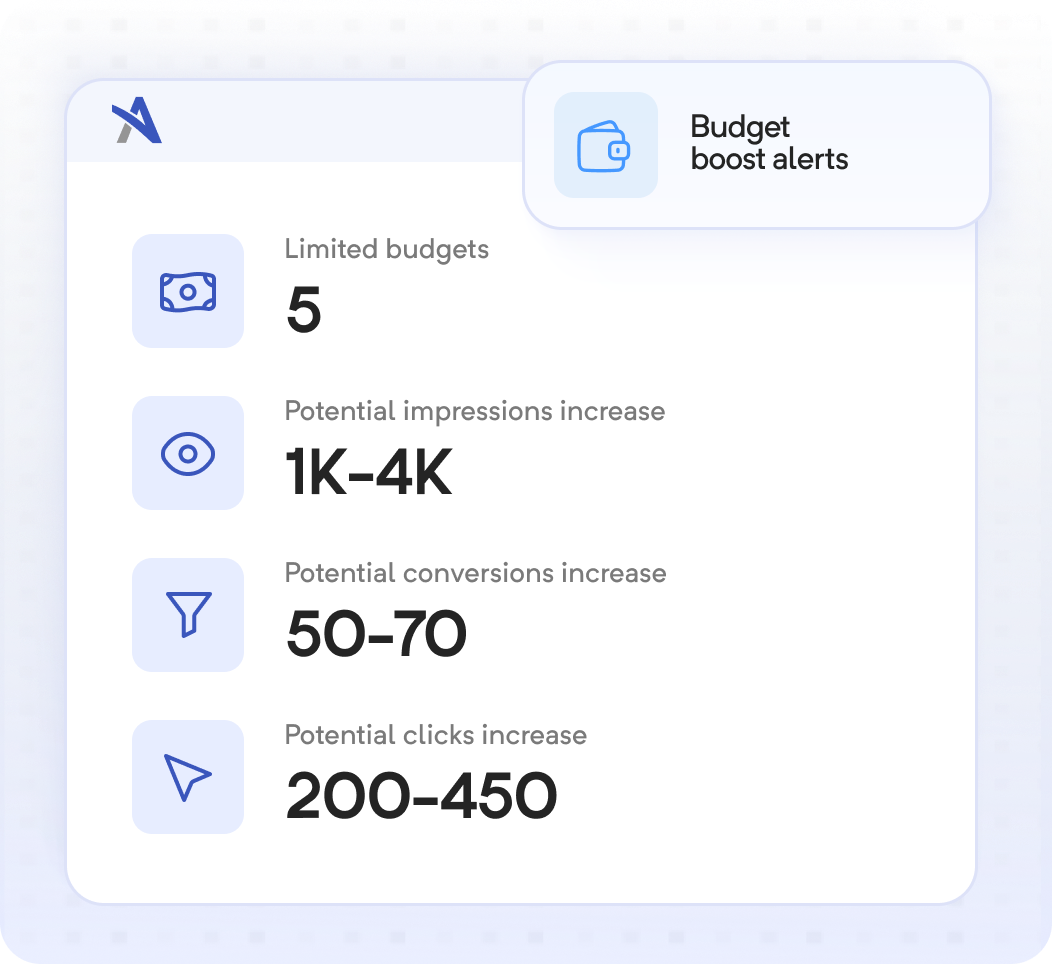
Adalysis flags budget-capped campaigns and projects the impact of different increases. Decide quickly where to scale and where to reallocate budget.
- View data on lost impression share due to budget
- Get customizable budget boost alerts
- See the projected impact of increasing budgets
- Move budget toward stronger campaigns without increasing total spend

Choose how much to automate
Choose from alerts, campaign auto pauses, or daily budget adjustments, with guardrails on what can change. Automate repetitive tasks without that black box feeling.
- Get alerts when your spend reaches a defined threshold
- Automatically pause and restart campaigns based on thresholds and budget cycles
- Automate daily budget adjustments to hit your targets
- Set future spend targets up to 12 months in advance
- Choose how over- or underspend rolls over into the next cycle
Spend less time managing budgets
Replace your checks, calculations, and updates with a budget workflow that fits each account. Choose the tools you need now, then add more automation as your requirements and data change.
- Manage budgets at the account, campaign group, or individual campaign level
- Get automated forecasts and recommendations
- Choose monthly, future, or custom date-range budgets
- Use alerts, automatic pauses, or daily budget adjustments for different accounts
- Create and update budgets in bulk


These PPC budget management
tools are just the start.
Based on 200+ reviews on



Scale your PPC performance, not
your workload.

