Take control of PMax
Manage your campaigns from one place with Adalysis PMax tools.
Analyze assets, search terms, negatives, placements, channels, and performance data faster.


Performance Max campaigns generate a lot of data, but it’s not always easy to access or act in Google Ads. Adalysis brings your PMax tools for reporting, analysis, and management together in one place.
Analyze performance, manage assets and negatives, monitor search terms, and spot issues faster. The Adalysis platform helps PPC teams save time, prioritize better, and stay in control.
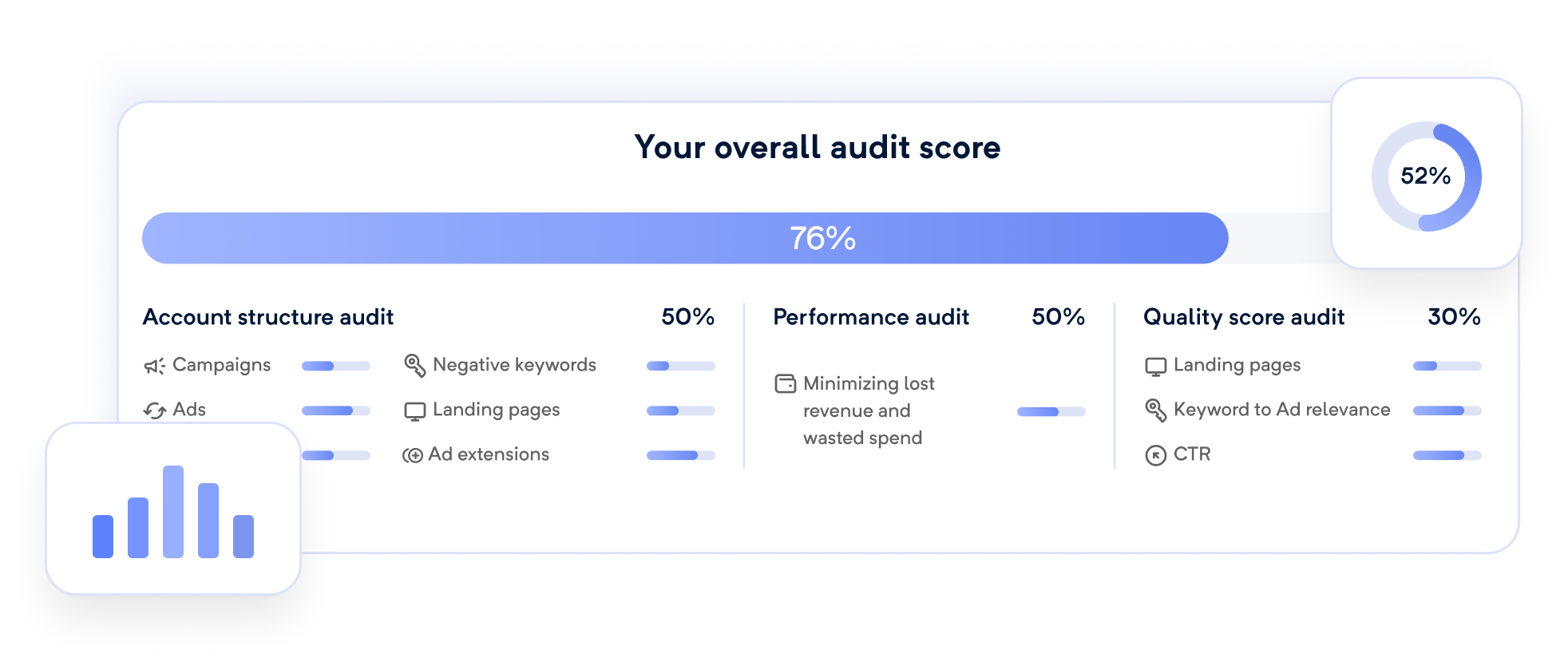
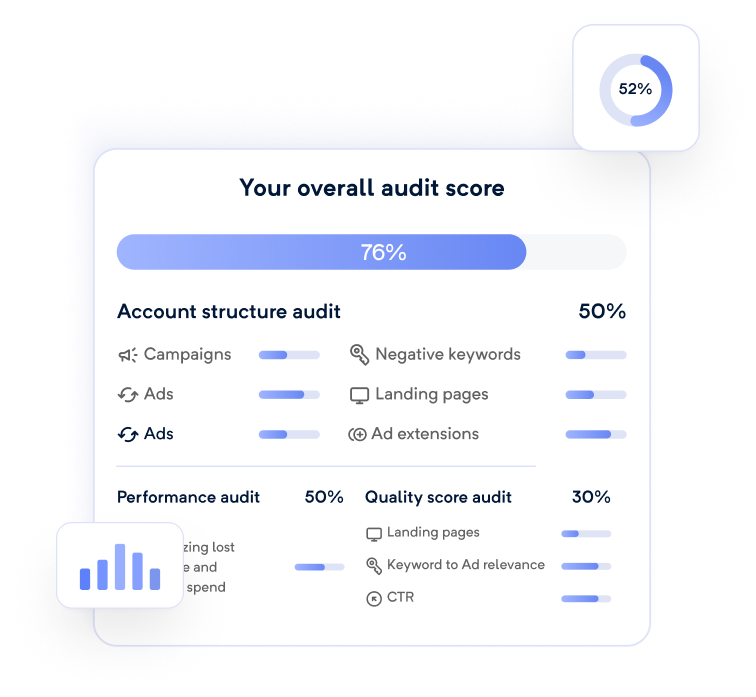
Catch PMax issues automatically
Adalysis audits monitor your PMax campaigns for quality issues and
optimization opportunities. Instead of relying on manual checks,
you’ll get alerts when something needs attention.
- Assets generated automatically by Google, which may need QA
- PMax search terms that exist as keywords & could cannibalize your traffic
- PMax search terms that could be added as negative keywords
- PMax search terms that could be added as Search keywords
- Misspelled asset text
- Disapproved assets
- Assets with poor performance
- Asset groups with poor ad strength
- Missing audience signals
- Asset groups that don’t have the recommended number of assets
Analyze your PMax campaigns from one place
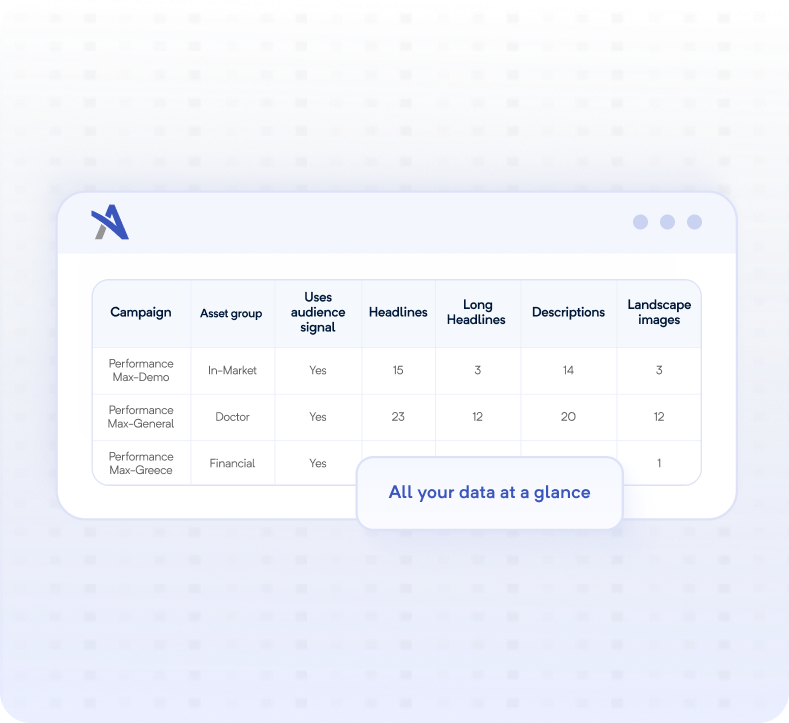
Google Ads splits Performance Max data across multiple reports. Adalysis brings it together, so you can understand performance faster and prioritize where to start.
- Analyze PMax performance by campaign, asset group, and asset
- See channel performance across five key performance metrics
- Access asset-level performance data for text assets
- Review placements and exclusions
Control your PMax search terms
If you’re running Search or Shopping campaigns alongside PMax, it’s important to check your campaigns aren’t cannibalizing each other. Adalysis helps you understand which searches trigger your ads and optimize your traffic quality.
- View PMax search terms across custom date ranges
- Add negative keywords at the campaign, account, or list level
- Identify overlap between PMax, Search, and Shopping campaigns
- Find search terms that should become Search keywords or negatives
- Analyze PMax n-grams at the account or campaign level

Improve your creative assets
Compare and update PMax assets without jumping between Google Ads screens. Adalysis helps you manage assets faster and understand how your creatives are performing.
- Create, edit, and delete text assets
- Understand where each asset is being used
- See asset-level performance ratings, approval status, and source information

See where your PMax ads are showing
View and exclude placements directly inside Adalysis. You can:
- Visualize PMax channel performance across key metrics
- Review display network domains and impression counts
- Exclude unwanted placements
- Protect your brand from appearing on low-quality sites
- Block all mobile app traffic


These PMax tools
are just the start.
Based on 200+ reviews on



Scale your PMax campaigns,
not your workload.